
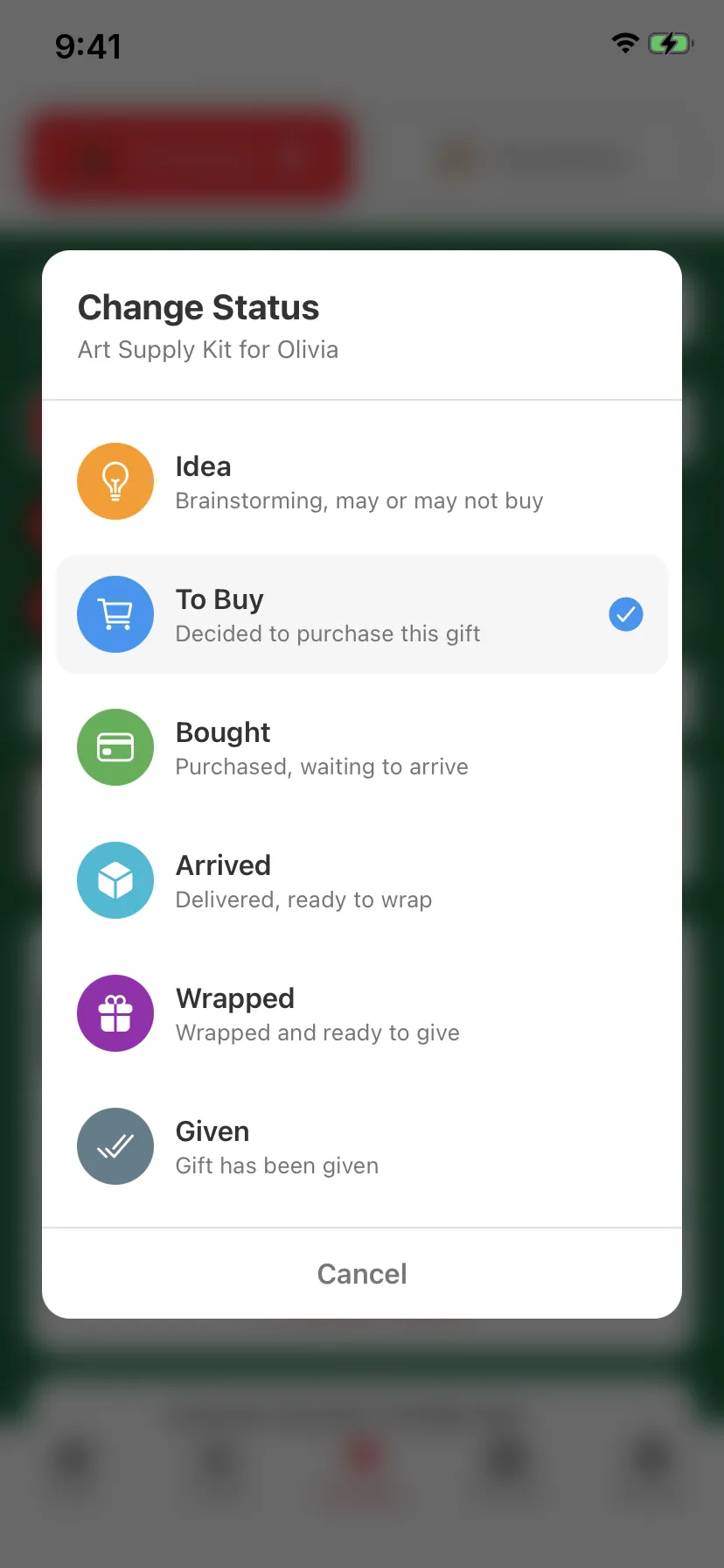
Asked forA delivered status, separate from bought, for everything ordered online.
✓Arrived is a full stage between Bought and Wrapped. Free for everyone.
Plan Christmas, birthdays and every occasion in between. Track each gift from idea to wrapped, keep every budget, and always know what's left to do.
Free on iPhone and Android · No ads · No account
Every gift moves along the same simple path, so a glance tells you what's done and what isn't. Tap a stage to try it.
Idea. Brainstorming, may or may not buy.
Arrived is its own stage, and it's free. Bought online is not the same as on your doorstep. GiftFlow keeps them apart, so nothing gets wrapped before it shows up.
We read years of reviews of the gift-list apps people already use and fixed the things they kept asking for.
Asked forA delivered status, separate from bought, for everything ordered online.
✓Arrived is a full stage between Bought and Wrapped. Free for everyone.
Asked forGift photos that don't vanish after a backup or a new phone.
✓Photos travel inside every backup and restore with the rest of your list.
Asked forA small picture next to each gift, so the list is easy to scan.
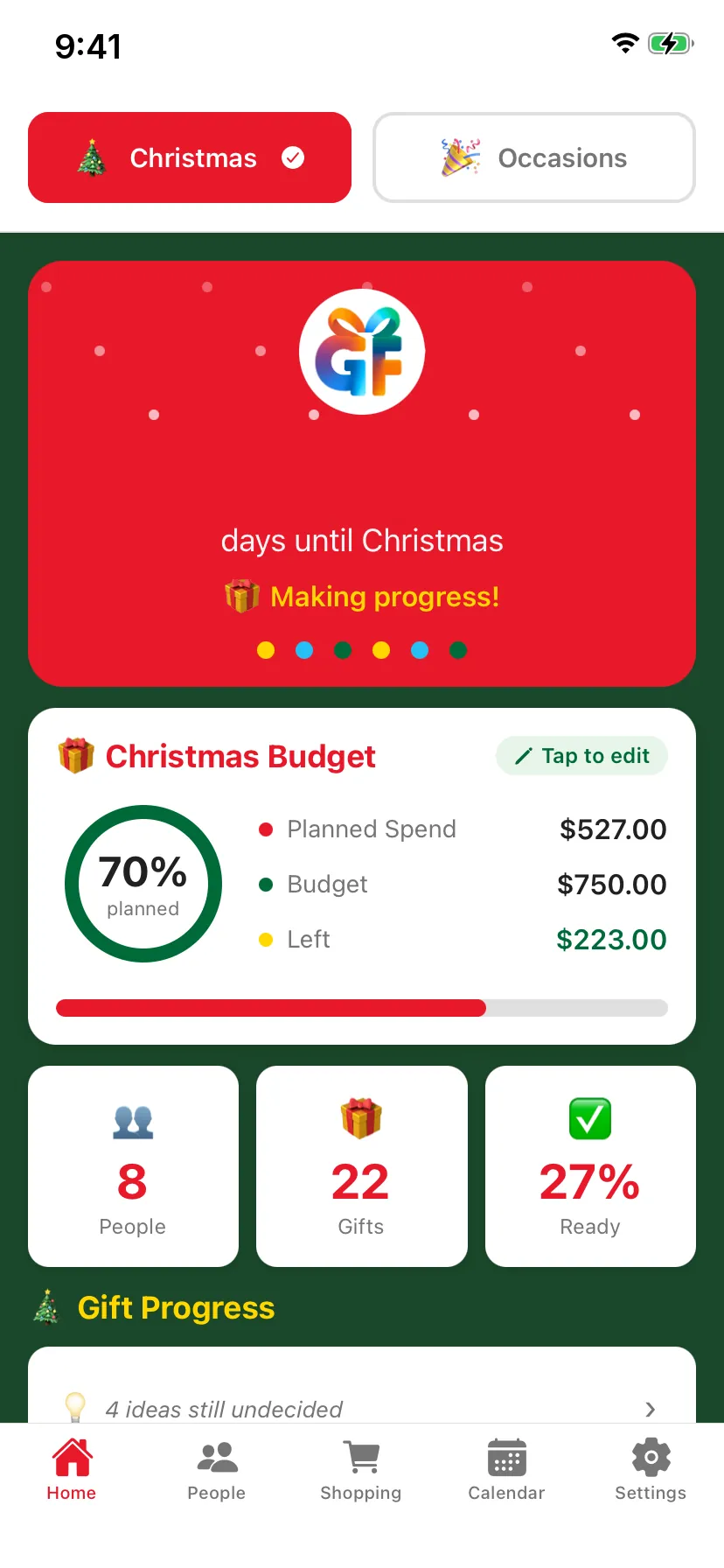
✓Photo thumbnails sit right in the gift list.
Asked forA quick view of what's left to buy and what's left to wrap.
✓Gift Progress counts every stage on Home, plus the ideas you haven't decided on.
Asked forOne place that shows everything still to buy, not only gifts with links.
✓Shopping Companion lists every gift still to buy, grouped by store.
Asked forWeb links you can tap to open, not copy and paste.
✓Add a link to any gift and tap it on that person's page to open the store.
And nothing it shouldn't. No feeds, no ads, no sign-up screen.
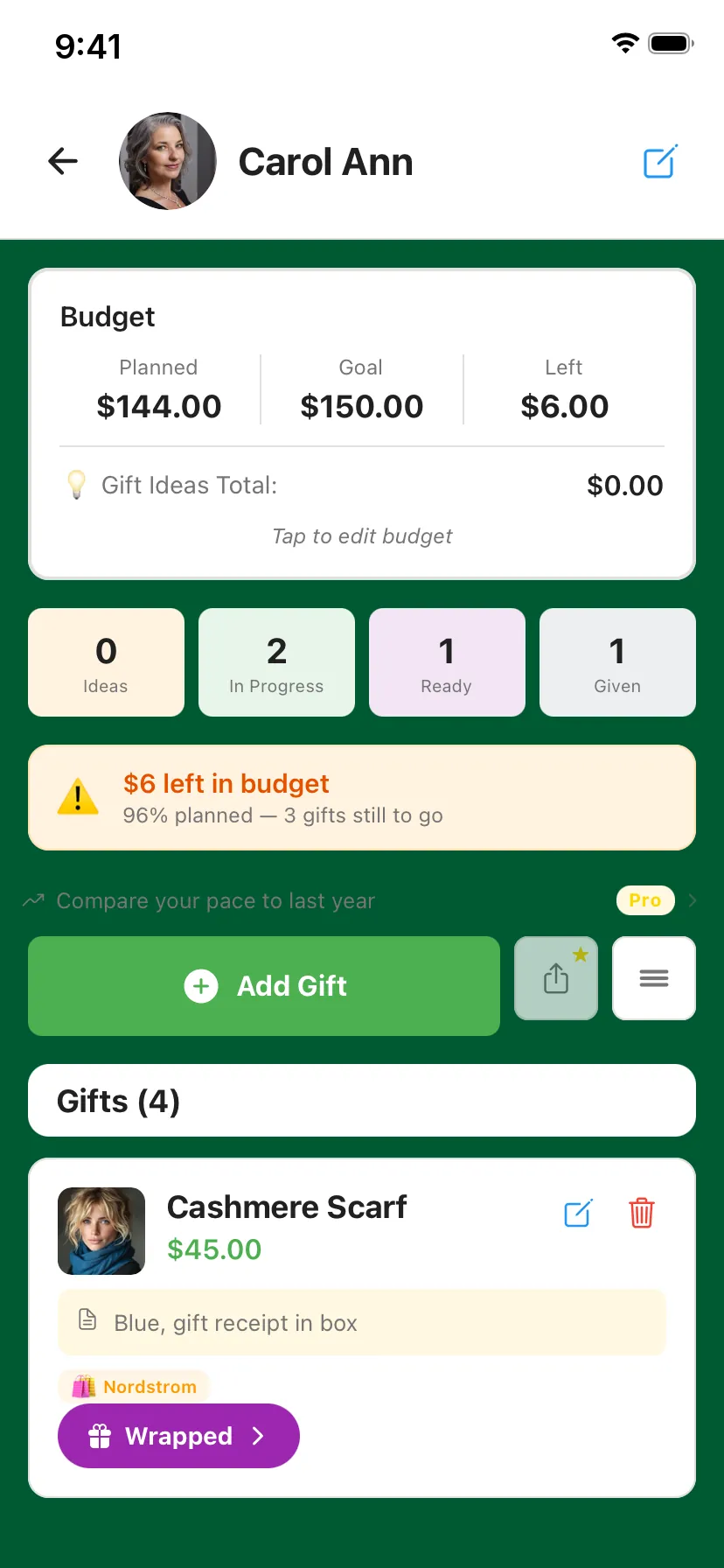
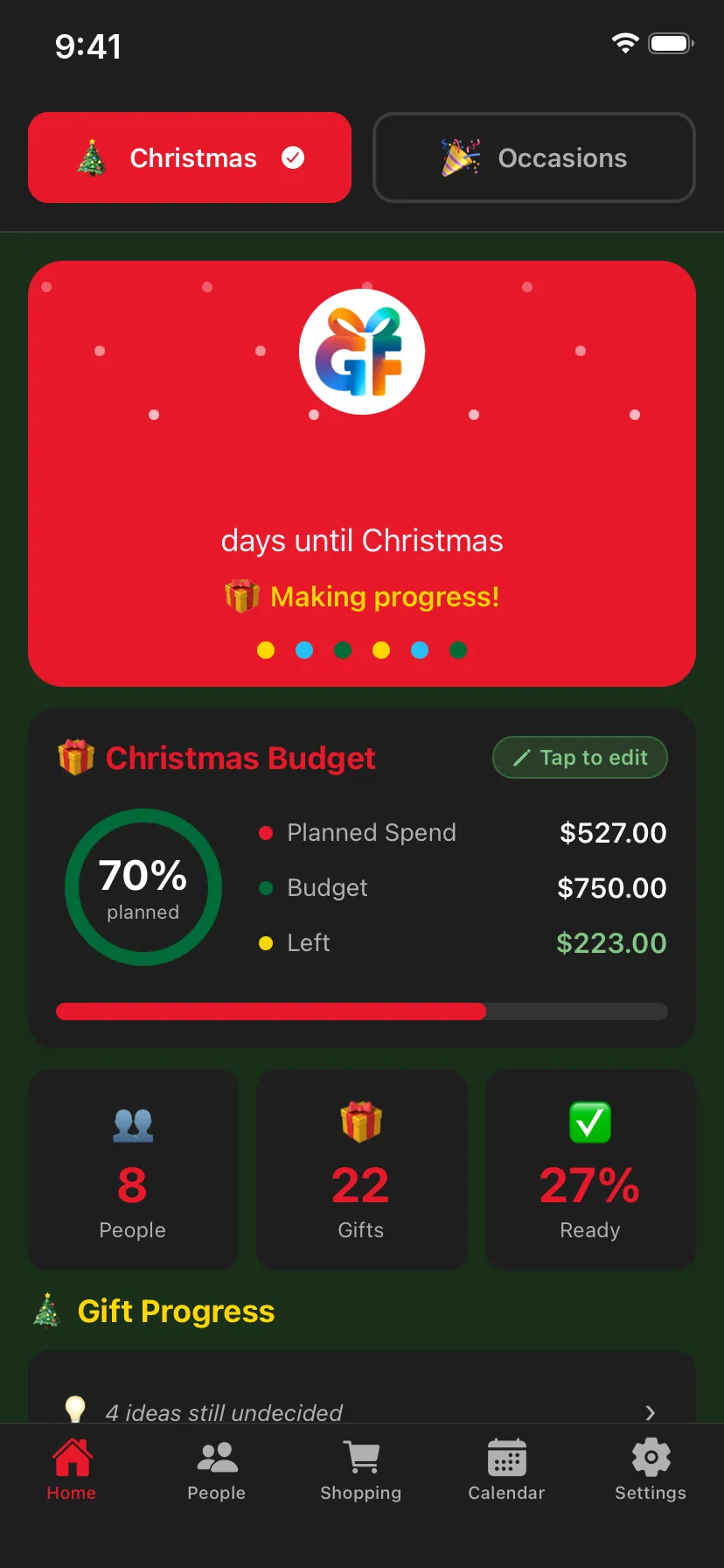
Time to retire that spreadsheet. Set a limit per person and see planned against spent as you add gifts.
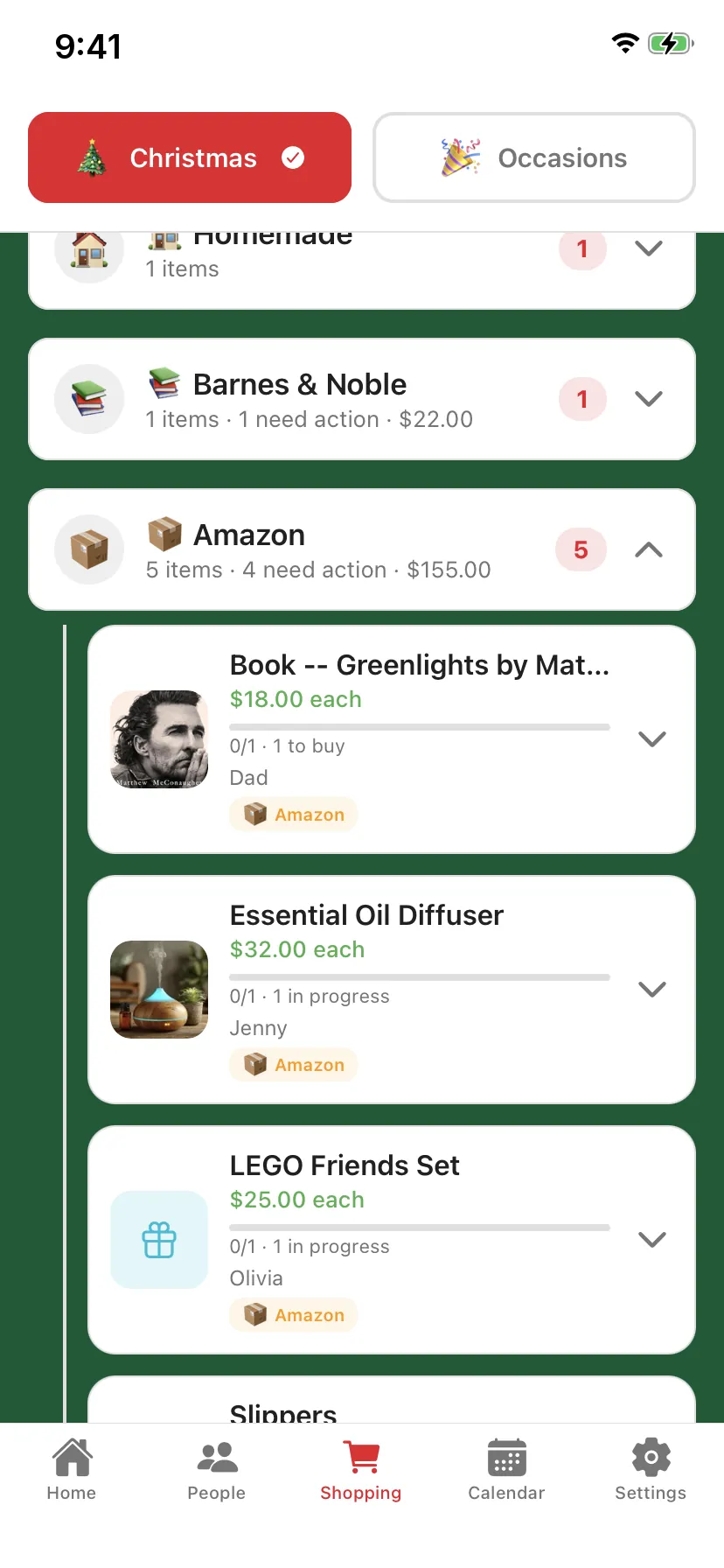
Shopping Companion gathers every gift still to buy and groups it by store, so one trip covers the lot.
Snap it in the store or pick it from your photos. Thumbnails show in the list, and every photo rides along in your backups.
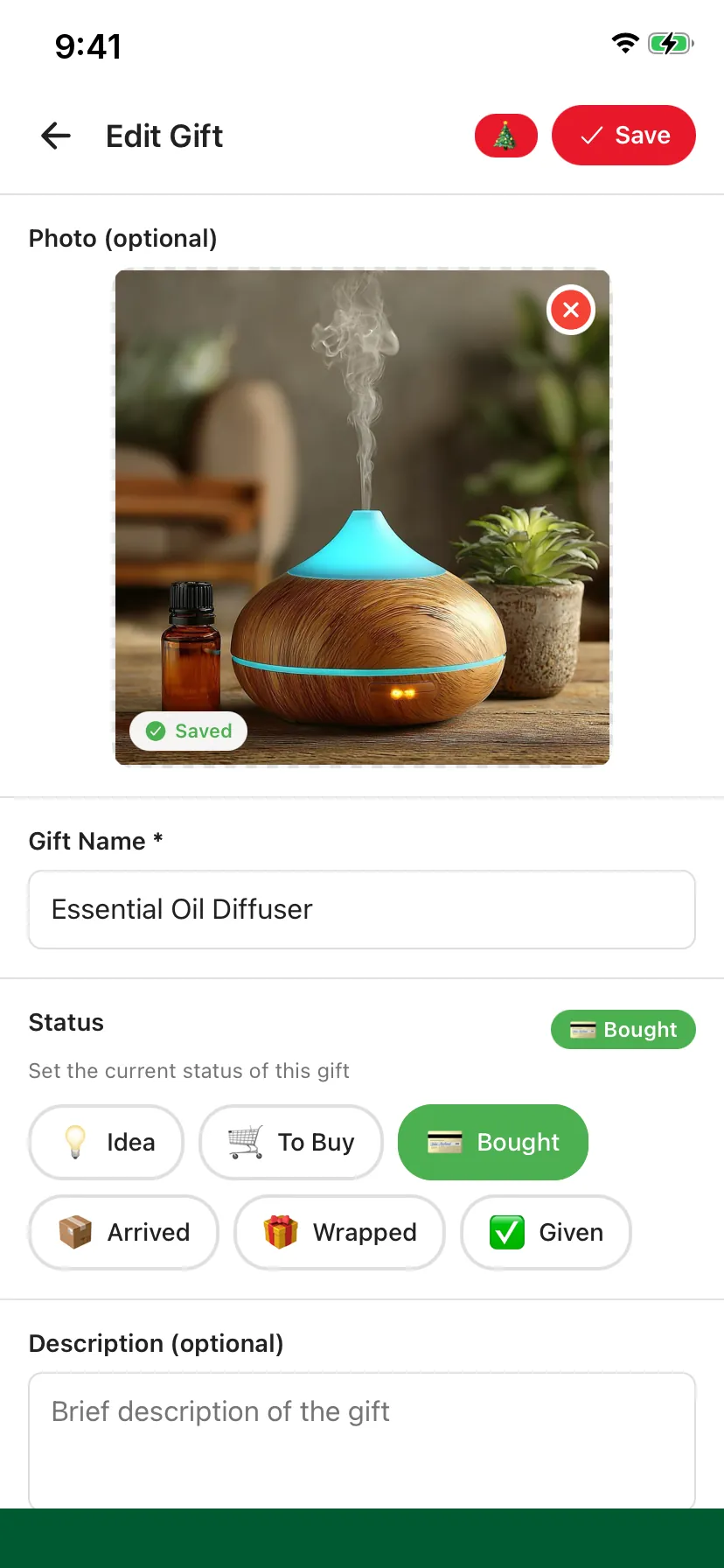
Gift Progress counts what's to buy, bought, arrived, wrapped and given. One tap shows the ideas you still haven't decided on.
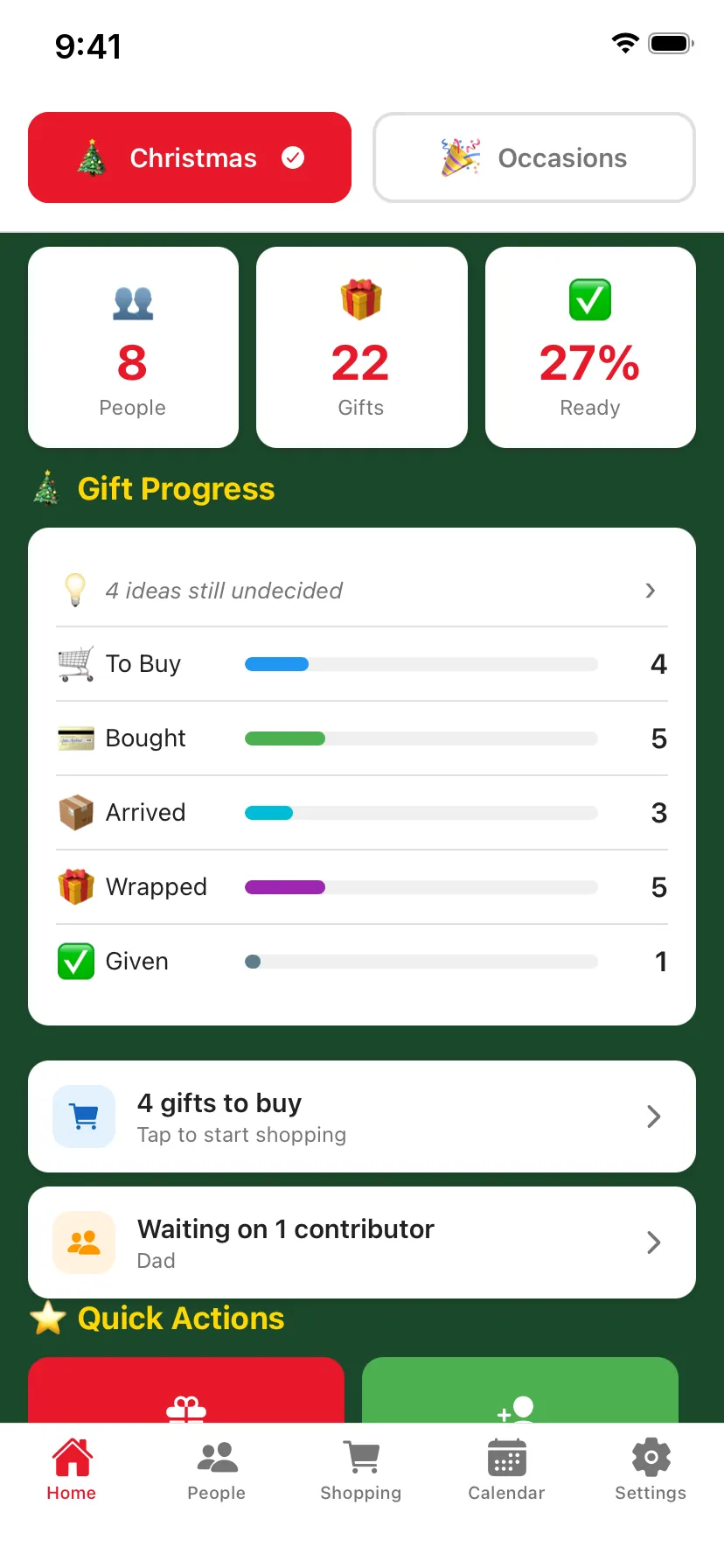
Planned spend against budget, average gift price, your top recipient and how much of the list is ready, on one screen.
With GiftFlow Pro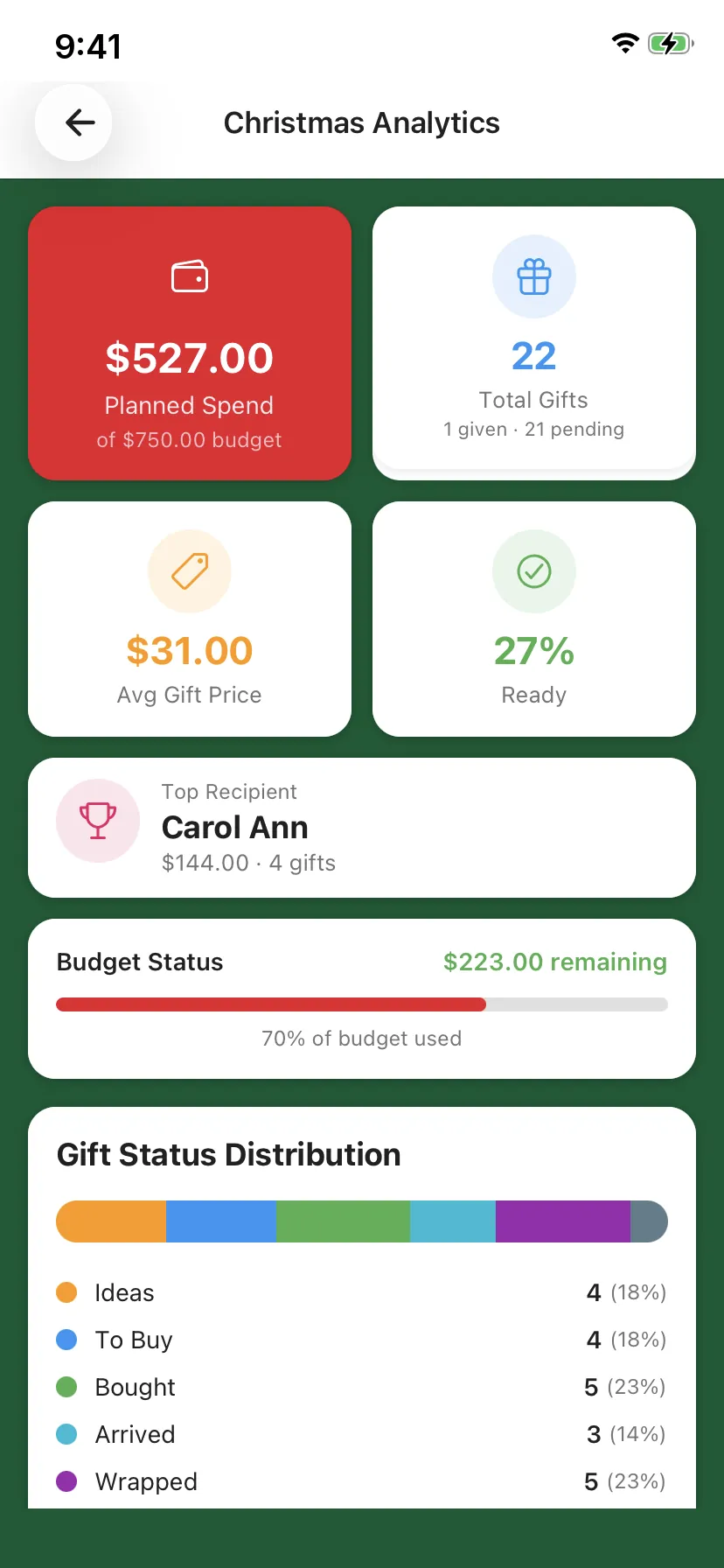
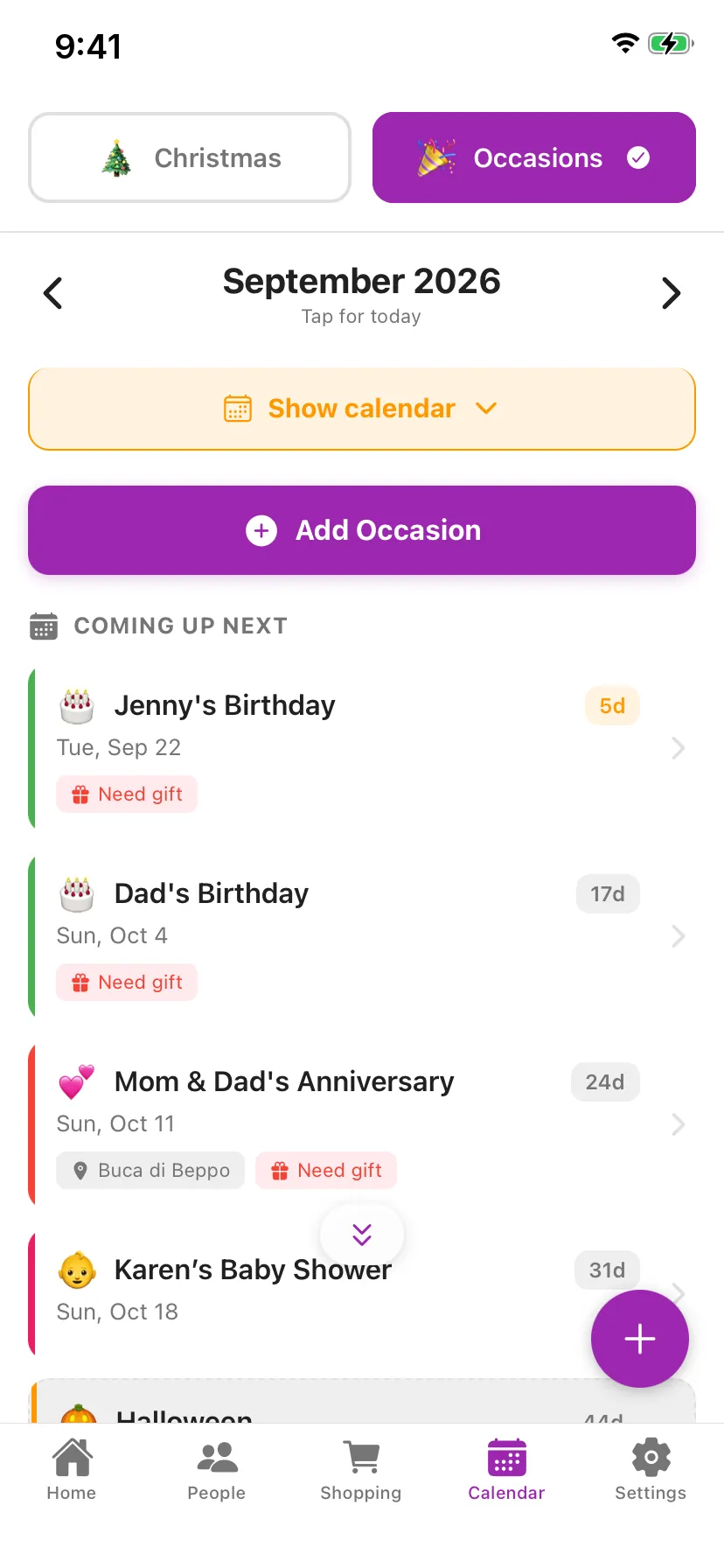
Your holiday command center: a live countdown, a budget for the season and every gift moving from idea to given.
Birthdays, anniversaries and everything in between. Each event keeps the what, when, where and who in one place.
Not on our servers. We don't have any. Nobody sees what you're getting them, including us.
Open it and start. No email, no password, no sign-up screen.
Nothing to sell you, and nobody paying to reach you.
In the store basement or on a plane, your list is right there.
That's GiftFlow's privacy label on the App Store. No analytics, no tracking.
Switching phones? Save a backup file and restore it on the new one, photos included. It even works from Android to iPhone.
Wrapping presents after the kids are asleep? Dark mode has you covered. Drag the handle to compare.
GiftFlow began at home. A wife's favorite gift-list app kept losing features, her photos vanished after backups, and the fixes she asked for never came. So her husband built a better one.
He started by reading years of one-star reviews of the apps people already use, then fixed every complaint he could. That's GiftFlow: simple, fast and private, made by FrogWood Labs.
Plan it. Track it. Gift it.
The free version is the full gift list. Pro adds power tools, paid for once.
Everything you need to plan and track gifts.
No ads. No account. No trial that runs out.
Power tools for serious gift-givers.
Not a subscription. Pay once, keep it, and restore it on a new phone for free. Price shown in USD; your store shows local pricing.
Yes. The free version has no ads, no time limit and no account. GiftFlow Pro is an optional one-time purchase for extra tools.
No. Open the app and start adding people. There's no sign-up, email or password anywhere in GiftFlow.
On your phone, in the app's private storage. GiftFlow makes no network requests of its own and doesn't collect data, so your gift plans stay yours.
Completely. Everything lives on the device, so it works in a store with no signal or on a plane.
Both. GiftFlow is on the App Store for iPhone and on Google Play for Android phones.
In Settings, go to Data & Export and save a backup file to Files, Drive or anywhere you like. On the new phone, restore that file. Your people, gifts, events and photos come across, even from Android to iPhone.
No. Occasions mode covers birthdays, anniversaries and everything else, with a calendar that already includes the major holidays.
Gift Radar reminders, Group Gifting, the Analytics Dashboard, Gift Memory, Pace Comparison, Spouse Mode, Custom Themes, Advanced Filters, photo avatars, and Export and Share. It's $6.99 once, not a subscription.
No. Pro is tied to your Apple or Google account. Install GiftFlow, open Settings, then GiftFlow Pro, and tap Restore Purchases.
FrogWood Labs, a small independent studio. Questions or ideas? Email support@frogwoodlabs.com. A real person reads every message.
Five minutes now saves the December scramble. Free on iPhone and Android.
Free · No ads · No account
Scan with your phone's camera to get GiftFlow.